A Webflow site gets found when four things work together: a clean technical foundation, pages written for real search questions, content AI answer engines can quote, and strong local signals like a complete Google Business Profile. This checklist covers SEO, AEO, GEO (Generative Engine Optimization), local SEO, accessibility, and measurement, with notes for Yakima Valley businesses.
We use this list on our own client builds and monthly maintenance plans. Work through it in order, check off what you have, and flag what you don't. On the small business sites we take over, several of these items are usually missing, and most of the gaps are quick to fix.
What do SEO, AEO, and GEO mean?
The three terms overlap, but each one points at a different place people find you.
- SEO (Search Engine Optimization): helping your pages rank in Google and Bing results, including the map pack.
- AEO (Answer Engine Optimization): structuring content so it can be pulled into a direct answer, such as a Google AI Overview or a voice assistant reply.
- GEO (Generative Engine Optimization): making your business easy for generative AI tools like ChatGPT, Gemini, Perplexity, Claude, Microsoft Copilot, and Google AI Mode to find, understand, and cite.
Local SEO is its own discipline. It covers your Google Business Profile, your name, address, and phone number (NAP), citations, and reviews. Some older guides, including an earlier version of this post, used "GEO" to mean local search. Today GEO almost always means generative AI. For a deeper look at AEO and GEO, read how to appear in AI search results with AEO and GEO.
Technical SEO checklist for Webflow
Webflow handles a lot of this out of the box. Your job is to confirm the settings are on and nothing has drifted.
- SSL: confirm SSL is enabled in Site settings and that every page loads on https.
- Custom domain: set one default domain (with or without www) so the other redirects to it.
- Sitemap: turn on the auto-generated sitemap and submit it in Google Search Console and Bing Webmaster Tools. Microsoft Copilot draws on Bing's index, so Bing is worth the five minutes.
- robots.txt: review it and make sure you are not blocking pages you want found.
- Clean URLs: keep slugs short and readable, such as
/web-design-yakima. - 301 redirects: add a redirect whenever you change or remove a URL.
- Canonical tags: set a global canonical URL in Site settings so duplicate versions don't compete.
- Semantic HTML: use real landmarks such as
<main>, <header>, <nav>, and <section>, not generic divs for everything. - Images: compress images, use WebP or AVIF, and size them close to how they display.
- Core Web Vitals: check them in PageSpeed Insights and Search Console.
Core Web Vitals targets
Google's Core Web Vitals are LCP, INP, and CLS. INP replaced the older interactivity metric in 2024. A page is "good" when 75% of real visits meet each target.
- LCP (Largest Contentful Paint): 2.5 seconds or less. Usually fixed by a lighter hero image.
- INP (Interaction to Next Paint): 200 milliseconds or less. Heavy scripts and complex interactions are the usual cause.
- CLS (Cumulative Layout Shift): 0.1 or less. Set image dimensions and avoid content that pops in above the fold.
In Webflow builds, we most often see INP slip on sites with stacked third-party scripts: chat widgets, review carousels, and tracking tags added over the years. Removing what nobody uses is often the fastest win.
On-page SEO checklist
On-page SEO is about matching each page to the words your customers actually type.
- One topic per page: each service gets its own page with its own target phrase.
- Title tag: 60 characters or less, with the main keyword near the front.
- Meta description: 150 characters or less, written to earn the click.
- One H1: a single H1 per page, then H2s and H3s in order with no skipped levels.
- Keyword early: use the main phrase naturally in the first paragraph.
- Internal links: link related pages with descriptive anchor text, not "click here."
- CMS fields: bind SEO title and meta description fields on every Collection template so each blog post or service item gets unique metadata.
- Open Graph: set an Open Graph image and description for social sharing.
- Content refresh: review your top pages every quarter and update facts, dates, and links.
AEO and GEO checklist for AI search
Google says there are no special requirements to appear in AI Overviews or AI Mode beyond good SEO fundamentals. In practice, the pages AI tools quote share a few habits: they answer the question fast, they are well structured, and they come from a business with clear, consistent information across the web.
- Answer first: open each key page or post with a 40 to 70 word plain answer to its main question.
- Question headings: use H2s that match how people ask, such as "How much does a Webflow website cost?"
- On-page FAQs: add a short FAQ section to service pages with real questions from sales calls.
- Definitions: define terms in one sentence before explaining them.
- Lists and steps: use real HTML lists for steps and options so they are easy to extract.
- Named authors: show who wrote the content and why they are qualified.
- Consistent facts: keep your services, location, and contact details the same everywhere they appear.
- llms.txt: add an
llms.txt file in Webflow under Site settings, then SEO. Webflow itself calls the file experimental, so treat it as a helpful extra, not a strategy. We explain why we still use it in our post on llms.txt. - Crawler access: decide which AI crawlers you allow in robots.txt, on purpose.
What Webflow added for AEO in 2026
Webflow now has a built-in schema markup field in Page settings, with a "Generate schema markup" button that uses Webflow AI to draft structured data for a page. It is a starting point. We still review every generated block, because AI can add types or properties that don't match what is on the page.
At Webflow Conf 2026, Webflow expanded Webflow AEO and added new llms.txt controls. Webflow AEO tracks how AI tools mention your brand, shows which AI bots visit, and suggests fixes to metadata, schema, alt text, and broken links that you approve before they go live. Availability depends on your Webflow plan. Our Webflow Conf 2026 recap covers what shipped and what is still in preview.
Schema markup checklist
Structured data helps search engines and AI tools understand who you are and what a page is about. Only mark up what a visitor can see on the page.
- Organization: on the homepage, with your logo, contact details, and social profiles.
- LocalBusiness: on your homepage or contact page if you serve a local area, with the same NAP as your Google Business Profile.
- Service: on each service page.
- Article and Person: on blog posts, naming the author.
- BreadcrumbList: on deeper pages, so the site structure is clear.
- Validate: test every block with the Schema Markup Validator.
Skip FAQ and How-To markup as a rich result tactic. Google limited both in 2023 and has since stopped showing FAQ rich results. Your visible FAQ content still helps readers and AI answers; the markup alone no longer earns a special search listing.
Local SEO checklist for Yakima Valley businesses
Google ranks local results on three things: relevance, distance, and prominence. You can't change distance, so local SEO focuses on the other two.
Google Business Profile
- Claim and verify your profile, and make sure the owner login belongs to the business, not a past vendor.
- Primary category: choose the most specific category that fits, then add a few secondary ones.
- Service area: list the towns you actually serve, such as Yakima, Selah, Union Gap, Moxee, Wapato, Toppenish, Sunnyside, Grandview, and Ellensburg.
- Hours: keep hours current, including holiday and seasonal hours. Many Valley businesses change hours around harvest, and an outdated profile costs calls.
- Photos and posts: add real photos of your team, work, and location, and post updates monthly.
- Website link: point it at the most relevant page, which is often a location or service page rather than the homepage.
NAP consistency and citations
- One version of your NAP: use the exact same business name, address, and phone number on your site, profile, and listings.
- Core citations: Bing Places, Apple Business Connect, Yelp, and the Better Business Bureau.
- Local citations: a listing in the Greater Yakima Chamber of Commerce member directory if you are a member, plus industry and city directories that real people use.
- Clean up old listings: fix or close listings with old addresses or phone numbers.
Reviews
- Ask every happy customer: send a direct review link after the job is done.
- Reply to every review: thank people for good reviews and answer critical ones calmly.
- Never buy or gate reviews: it breaks Google's rules and can get reviews removed.
Local pages and bilingual content
- Service area pages: build pages only for areas you truly serve, each with unique details such as local projects, travel times, or nearby landmarks.
- Spanish content: more than half of Yakima County residents are Hispanic or Latino, and about 42% of residents speak a language other than English at home. If you serve Spanish-speaking customers, a real Spanish version of your key pages (not machine output left unchecked) can reach people your competitors miss.
- Embed a map: add a Google Map on your contact page with your pinned location.
Our SEO plans include this local work for Yakima Valley businesses. See our Yakima SEO services for what a plan covers.
Accessibility checklist that also helps search
The same structure a screen reader relies on is the structure search engines and AI tools use to understand your page. We build every site to WCAG 2.2 Level AA.
- Alt text: write useful alt text for meaningful images and leave decorative images empty.
- Headings: keep headings in order so they work as an outline.
- Link text: make every link make sense on its own.
- Contrast: meet at least 4.5:1 for body text.
- Keyboard: every link, button, and form field works with a keyboard and has a visible focus style.
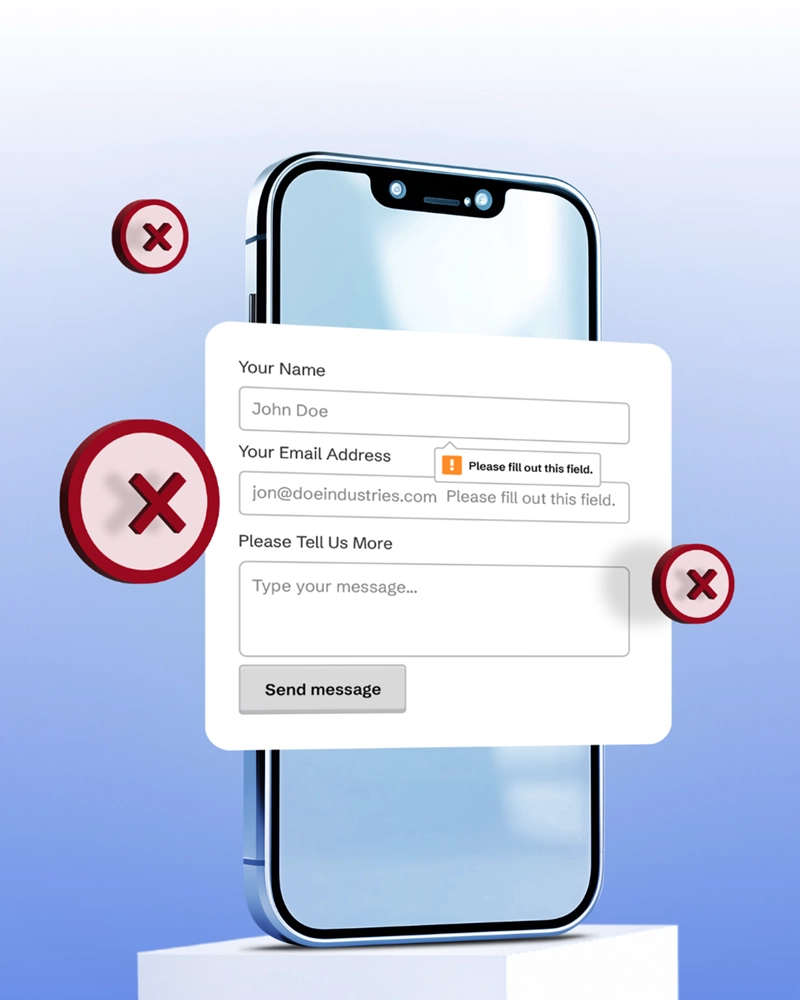
- Forms: every field has a visible label and clear error messages.
- Video: add captions and a transcript, which also gives search engines text to index.
How do I measure SEO and AEO results?
A site can't improve what it doesn't track. Set this up before you change anything else, so you have a baseline.
- Google Analytics 4: install GA4 on every page.
- Key events for forms: create an event for each form submission and mark it as a key event in GA4. Key events are what Google used to call conversions.
- Key events for calls: track clicks on tel: links as a key event, and use a call tracking number if phone calls are your main lead source.
- Search Console: watch clicks, impressions, and average position for your target pages.
- Google Business Profile insights: track calls, direction requests, and website clicks from your profile.
- AI referrals: in GA4, watch referral traffic from chatgpt.com, perplexity.ai, gemini.google.com, and copilot.microsoft.com.
- AI visibility checks: ask AI tools the questions your customers ask, and note whether your business shows up.
- Monthly review: compare leads, not just traffic, month over month.
When we take over a site, missing form tracking is one of the most common gaps we find. Owners often know their traffic but have no idea which pages produce leads. Fixing that one setting changes every decision after it.
Frequently asked questions
Is Webflow good for SEO?
Yes. Webflow produces clean code, fast hosting, automatic sitemaps, SSL, and full control over titles, meta descriptions, redirects, and schema. Rankings still depend on your content, your local signals, and how well the site is maintained.
What is the difference between AEO and GEO?
AEO focuses on getting your content pulled into direct answers, like Google AI Overviews or voice replies. GEO focuses on getting your business found and cited by generative AI tools like ChatGPT and Perplexity. The work overlaps heavily, so most businesses can treat them as one plan.
Do I still need FAQ schema?
Not for rich results. Google no longer shows FAQ rich results in Search. Keep helpful FAQ content on the page for readers and AI answers, and spend your schema time on Organization, LocalBusiness, Service, Article, and BreadcrumbList.
How long does local SEO take to work in Yakima?
Google Business Profile fixes and review growth can show results within a few weeks. New content and citations usually take three to six months to build steady rankings, especially in competitive categories like home services and healthcare.
What is llms.txt, and do I need it?
It is a plain text file that gives AI tools a short map of your most useful pages. Webflow supports it in Site settings. It is low effort and low risk, but it is not proven to change AI results on its own.
Find out how AI tools see your business
If this checklist turned up more gaps than you have time to fix, that is what we are here for. Start with our free AI Visibility Report to see how AI search describes your business today, then explore our SEO services for Yakima businesses for ongoing help.
Sources
Written by Crystal Scott, founder of Graceful Web Studio. Crystal is a Certified Professional in Web Accessibility (CPWA), a Section 508 Trusted Tester, and a Certified Webflow Expert with over a decade of front-end experience.