DIY website vs hiring a professional: when to make the switch

Hire a professional when your website has to bring in leads, rank in search, work for people with disabilities, or grow with your business over several years. A DIY site is fine for testing an idea, a short-lived event, or a business that gets nearly all its work from referrals. Once the site carries real revenue, the hidden costs of DIY usually outweigh the savings.
This guide is for owners trying to make that call honestly. We'll cover what DIY builders do well, where DIY sites tend to break, a checklist you can use today, and what a professional build costs.
DIY website builders have come a long way, and they deserve credit. If you have more time than budget, they can be the right first step.
The trouble starts when the site has to do more than exist. Templates handle the look. They don't handle strategy, structure, or the parts of a website most visitors never see.
When we take over a DIY site for a rebuild, we see the same handful of problems again and again. None of them come from a lack of effort. They come from the gap between making a page look right and making it work right.
About 1.3 billion people, or roughly 1 in 6 people worldwide, live with a significant disability, according to the World Health Organization. Many of them use screen readers, keyboards, voice control, or zoom to get around the web. Most sites still shut them out. The 2026 WebAIM Million report found detectable WCAG failures on 95.9% of the top one million home pages, with low-contrast text on 83.9% of them.
Templates often look accessible in a demo and then break once real content goes in. A pretty color choice fails contrast. A heading gets picked because it's the right size, not the right level. A form field has placeholder text but no label, so a screen reader announces nothing useful. Meeting WCAG 2.2 Level AA takes testing with a keyboard and a screen reader, not just a quick scan. Builders can't do that testing for you.
Launching a site doesn't mean anyone will find it. Ahrefs found that 96.55% of the pages in its index get zero traffic from Google. Most of those pages were never built to answer a real search.
DIY sites tend to miss the basics that search engines and AI answer engines rely on: one clear topic per page, a logical heading order, descriptive page titles and meta descriptions, and internal links that connect related pages. These same signals help tools like Google AI Overviews, AI Mode, ChatGPT, and Microsoft Copilot understand and quote your content. A professional plans the site map around what your customers actually search for before a single page gets designed.
Visitors don't wait. In a Google-commissioned study by Deloitte, a 0.1 second improvement in mobile site speed lifted retail conversion rates by 8.4%. Small delays add up to lost calls and bookings.
DIY sites slow down for predictable reasons: oversized images, stacked add-ons, and heavy templates loaded with features you don't use. Google measures page experience with Core Web Vitals. A good score means Largest Contentful Paint (LCP) within 2.5 seconds, Interaction to Next Paint (INP) within 200 milliseconds, and Cumulative Layout Shift (CLS) of 0.1 or less. Getting there takes image handling, clean code, and restraint, which is a big part of what a professional build includes.
A site can look great and still not bring in work. The most common gap we see is a missing next step. Visitors land, read a little, and leave because nothing tells them what to do. Other leaks include a contact form that's too long, a phone number that isn't tappable on mobile, and reviews buried three pages deep.
A professional builds each page around one clear action and puts trust signals, like reviews, credentials, and real project photos, where people are deciding. If you'd like to put a dollar figure on what better search visibility and an accessible site could be worth, try our accessibility ROI calculator.
Websites aren't "set it and forget it." Content goes stale, links break, forms stop sending, and new pages get added without a plan. On DIY sites, small fixes often pile up into a site that's hard to change without breaking something else.
This is also where many owners lose the most time. Every hour spent searching for why a form stopped working is an hour away from customers. A planned CMS, a consistent design system, and someone watching the site each month keep it healthy. That's what our monthly website support and maintenance plans are for.
Use this checklist. Be honest with yourself about where your business is today and where you want it to be in two years.
If you checked three or more boxes in the second list, a professional build will likely pay for itself. If you're still unsure, a free AI Visibility Report shows how search and AI tools see your current site, which is a useful starting point either way.
Price depends on page count, CMS needs, integrations, and how much strategy and content work the project includes. A one-page site for a local service business is a very different project from a 30-page site with a blog, resources, and online booking.
Instead of guessing, use our free Webflow website project cost calculator. It walks you through the choices that drive cost and gives you a realistic range. You can also see what's included in each package on our Webflow website design and development page, from strategy and wireframes to accessibility testing, SEO setup, and editor training.
When you compare quotes, compare what's included, not just the price. Ask whether the build is tested against WCAG 2.2 AA, whether SEO setup is part of the project, who owns the site and domain at the end, and what support looks like after launch.
Here are three short examples from our own client work.
You can see more of this work in our portfolio. If you run a local or service-based business, our page on accessible websites for service businesses shows how we approach projects like yours.
Not automatically. A DIY site can rank if it has clear page topics, good titles, a logical heading order, fast load times, and helpful content. Most DIY sites miss several of those because the builder doesn't prompt you for them. The tool isn't the problem. The missing plan is.
Yes, and many businesses do. Keep your content organized, keep ownership of your domain, and track which pages get traffic. That makes a later rebuild faster and cheaper. Just know that a rebuild usually means starting fresh on structure, not just reskinning the old site.
Builders give you tools, but accessibility depends on how you use them. Color choices, heading levels, link text, form labels, and image descriptions are all up to you. Meeting WCAG 2.2 AA requires manual testing with a keyboard and assistive technology, which no builder does for you.
A simple one-page site can launch in a week or two. A multi-page site with a CMS, integrations, and new content usually takes several weeks to a few months. The biggest factor is often how quickly content and feedback come in.
Webflow gives us clean, semantic code without a stack of add-ons to update, plus a visual editor clients can use to update their own content. That combination makes accessibility, speed, and long-term upkeep much easier to get right.
If your website needs to bring in work, not just exist, we'd love to help you plan it. Start with our Webflow website design and development service, or request a free project quote and we'll recommend the right next step for your business.
Written by Crystal Scott, founder of Graceful Web Studio. Crystal is a Certified Professional in Web Accessibility (CPWA), a Section 508 Trusted Tester, and a Certified Webflow Expert with over a decade of front-end experience.
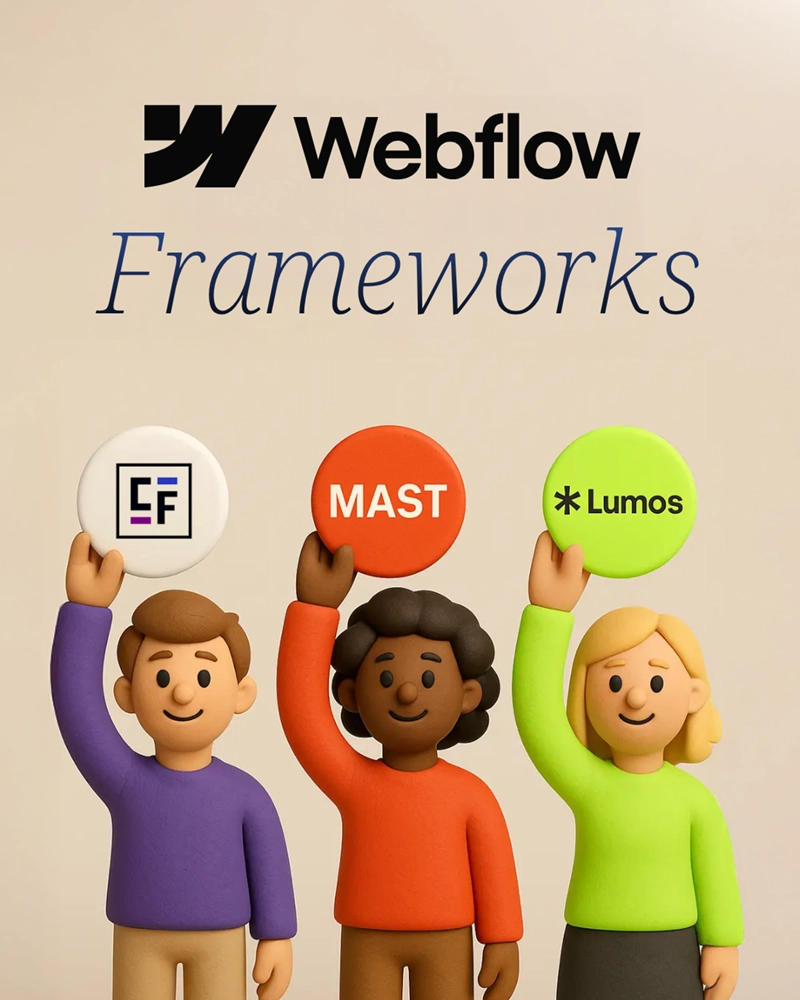
Client-First, MAST, and Lumos compared on accessibility defaults, learning curve, and maintenance, plus which framework we use and why.

How to claim and verify your business in ChatGPT Business Hub, invite us to manage it, and what Insights shows for your industry.

WebMCP lets AI agents run named tools on your site instead of guessing at your forms. It is the frontier of the agentic web.
We'd love to meet you, over coffee in Yakima or on a video call. Request a free project quote and we'll review your site, set up a discovery session, and map out goals for a website that grows your business.