Does Web Accessibility Increase Revenue?
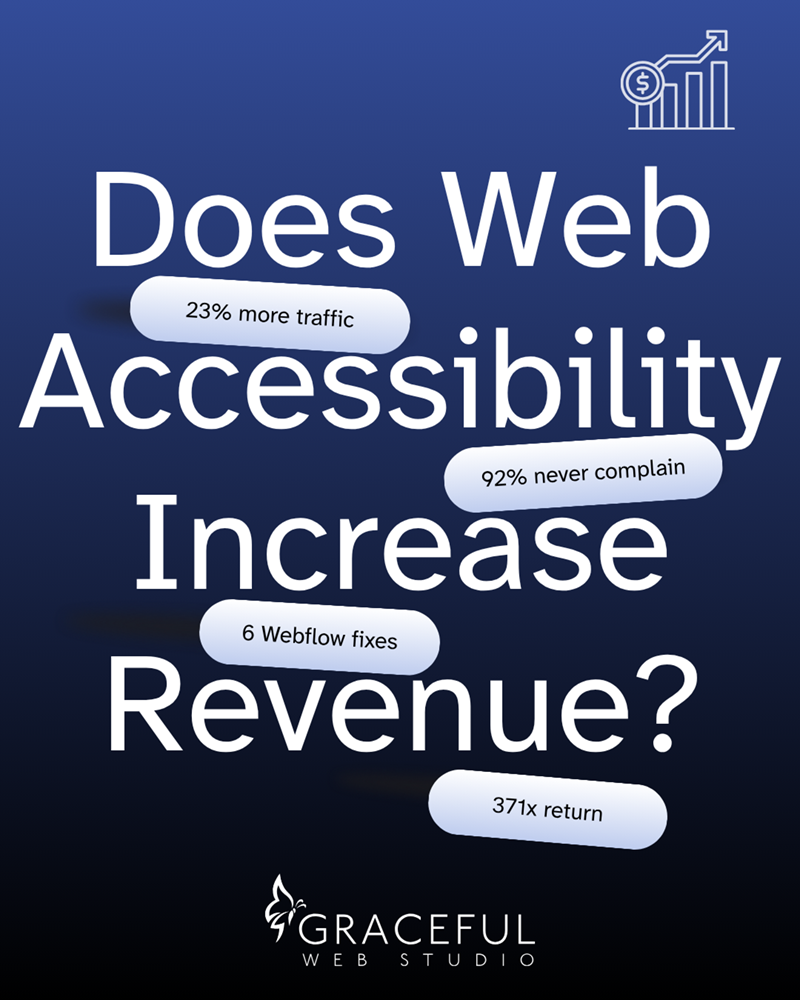

Yes. Accessible websites earn more, and the reason is reach. A 2025 study of 10,000 websites found that sites with higher accessibility scores averaged 23% more organic traffic and ranked for 27% more keywords. That is a correlation, not a promise, but it points the same way as every documented case we know of. The part most business owners miss is that none of the loss shows up in analytics, because people who cannot use a website do not file a complaint. They leave.
First post in a series based on my book, Accessible UX by Design. The full business case, the four mechanisms behind it, and the revenue math are Chapter 1.
Because the people it happens to leave without saying anything.
When someone lands on your site and cannot use it, they do not email you. They do not call. They do not leave a review explaining what broke. They close the tab and go to a competitor. Your bounce rate goes up by one, your inbox stays empty, and there is no record of what happened.
The Click-Away Pound Survey put a number on it: only 8% of users who hit a barrier on a website will contact the site owner. The other 92% just go. For every one person who tells you something is broken, roughly eleven more walked away without a word.
This is why "nobody has complained" is not evidence that your site works. It is evidence that your site cannot tell you when it does not.
Two places, and they reinforce each other.
Search. Google's crawler cannot see your layout, your colors, or your design. It reads structure: heading order, labeled navigation, alt text, form labels. That is the same semantic HTML that WCAG conformance requires. Clean structure gets indexed accurately. Messy structure does not, and pages that are not indexed properly do not rank. The same is now true of ChatGPT, Perplexity, and Google AI Overviews, which parse structure and surface what they can cleanly extract.
Friction. Every barrier you remove makes your site easier to use for everyone who lands on it. Barriers hit hardest for people who use screen readers, keyboard navigation, magnification, or voice control, and they also slow down the customer on a slow rural connection, the person reading in bright sunlight, and the visitor who is simply in a hurry. A form that is hard to complete is hard for everybody. Fixing it lifts completion across the board.
That is the whole idea behind building accessible UX by design. You are not choosing between doing right by people and growing the business. The same work does both, and the business results are documented.
Tesco is the case most people have heard of. They spent £35,000 building an accessible version of their grocery site, and the W3C documents the return at £13 million in annual revenue. That is one of several documented cases. I go through the rest of them, plus the math on a typical service business, in Chapter 1 of the book.
Want to see the math with your own numbers? Our free accessibility ROI calculator estimates what more search traffic could add to your revenue in a year.
Not directly, and anyone telling you otherwise is overselling.
Google has said plainly that accessibility is not used as a direct ranking factor. What Google does measure is everything accessibility produces: bounce rate, session duration, pages per session, crawlability, code quality. Those are ranking signals, and they move in the right direction when you fix the underlying structure.
Google built an Accessibility score into Lighthouse, its own free measurement tool, sitting right next to Performance, SEO, and Best Practices. They did not have to put it there.
Webflow starts you further ahead than most platforms. It outputs clean semantic HTML, gives you real control over structure, and its native Tabs and Dropdown components hold up well against the APG patterns, which is more than I can say for a lot of what ships elsewhere. What Webflow does not do is make the decisions for you. Six patterns account for the majority of what I find on Webflow sites, in rough order of revenue impact.
None of these show up in a screenshot. All of them show up the moment you put the mouse down.
Run these five checks in order. All free, no tools to buy.
If four out of five come back clean, you are in better shape than most sites I audit. If they do not, Webflow accessibility audit and remediation is what fixing them looks like, and what website accessibility remediation actually includes is worth reading before you buy one from anyone.
It will not save a weak offer, and it will not work overnight.
An accessible site with unclear messaging and no reason to call still will not convert. Accessibility removes the barriers between someone and the action they came to take. It does not create the reason they came.
It is also not instant. Search results move on Google's timeline, measured in months, not weeks.
And a clean Lighthouse score is not conformance. It means the machine-checkable portion passed. Meaningful alt text, logical focus order, and clear link purpose need a person. That is also why overlay widgets do not work, and that one gets its own post later in this series.
I once left a kind comment on a fellow designer's beautiful new site offering a few accessibility tips. Motion everywhere, low contrast text, navigation that made no sense. His reply came back immediately: my clients don't want to pay extra for accessibility.
What he was really saying was that his clients had no idea what they were losing, and neither did the people who could not use the site. Nobody had told either of them. That conversation is the reason I wrote the book, and the reason accessibility is not a line item on a Graceful Web Studio quote. It is in the build.
The numbers in this post are averages from other people's websites. The number that matters is yours. Our free Accessibility ROI Calculator takes three things you already know (your monthly visitors, your conversion rate, and your average sale) and shows what a lift in search traffic could add to your revenue in a year. Add how often customers buy and how long they stay, and it also shows what those new customers are worth over time.
Calculate your accessibility ROI in about a minute. If the number gets your attention, we can talk about what it would take to capture it.
Two free ways to start, both with no sales pitch attached.
Request a free AI Visibility Report and you get a personalized look at how AI search sees your business, what it is saying about you, and what to fix so you show up more often. Delivered within one business day.
If you already know you need work done, request a free project quote or call 509-823-6780. We are a remote-first Webflow studio in Yakima, Washington, working with service businesses, healthcare providers, and financial institutions nationwide. See how we support healthcare websites and bank and credit union websites. To keep the fixes going instead of doing them once, that is what monthly website support and maintenance covers.
For the technical companion to this post, start with the Webflow SEO, AEO, and local GEO checklist.
The evidence points that way. In a 2025 study of 10,000 sites, those with higher accessibility scores averaged 23% more organic traffic and ranked for 27% more keywords. The study shows a correlation rather than proof of cause, and documented cases back it up. Tesco's accessible site build is the most-cited case: £35,000 invested, £13 million in annual revenue returned, per W3C documentation.
Not directly. Google has stated accessibility is not used as a direct ranking factor. Google does measure the outcomes accessibility produces, including bounce rate, session duration, pages per session, and crawlability, and those are ranking signals.
Partly, and it starts further ahead than most platforms. Webflow outputs clean semantic HTML, gives you full control over structure, and its native Tabs and Dropdown components hold up well. Sliders and carousels, lightboxes, and default form validation need work to meet WCAG 2.2 AA, and color contrast and heading order depend entirely on the choices made during design and content entry.
It depends on site size and how much needs rebuilding rather than patching. Graceful Web Studio publishes pricing on every service page. A new Webflow build starts at $2,000 for a one-page site and $4,500 for a full business website, and every package includes accessibility and SEO best practices. Monthly maintenance starts at $375 with no contract. Remediation is quoted after an audit, because scope depends on what the audit finds.
Yes, partially. Run Google Lighthouse from Chrome DevTools, then test using only the keyboard and at 200% browser zoom. Those checks surface a meaningful share of common problems. Automated tools miss anything requiring human judgment, so a manual audit is still needed for conformance.
Want the full business case? Chapter 1 of Accessible UX by Design covers the four mechanisms that turn an accessible website into a revenue-generating asset, the documented results from Tesco, Legal & General, and This American Life, and the math on what a 23% traffic lift is worth to a business your size. Coming soon to bookstores near you. Official release date to be determined, targeting end of 2026.
Written by Crystal Scott, founder of Graceful Web Studio. Crystal is a Certified Professional in Web Accessibility (CPWA), a Section 508 Trusted Tester, and a Certified Webflow Expert with over a decade of front-end experience.
A current, plain-English guide to WCAG 2.2, ARIA, Section 508, EN 301 549, the EAA, and inclusive design resources.
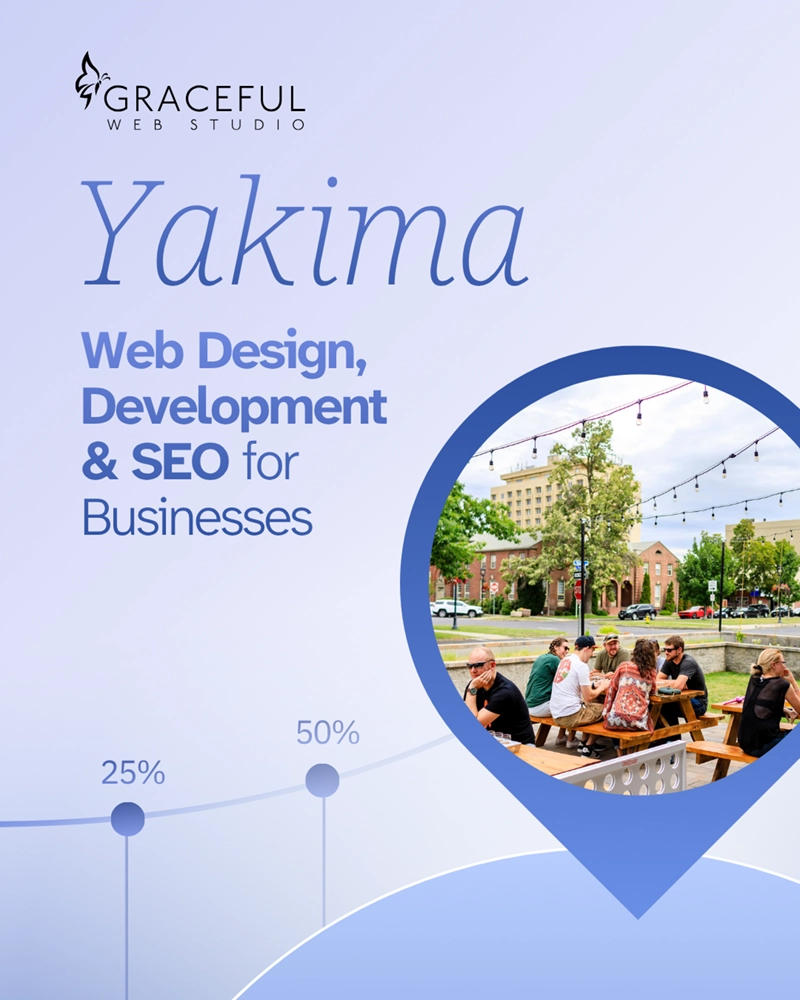
Webflow design, SEO, and maintenance for Yakima Valley businesses, with published pricing and accessibility built into every build.
.webp)
Webflow Conf 2026 recap: faster pages, AI visibility, and accessibility for your website, handled by your Yakima Webflow studio.
We would love to meet with you face-to-face. Whether virtually or for a coffee. Request a free project quote, and let’s find the right solution for you! We review your site, set-up a disocvery session and map out goals for a website that grows your business.